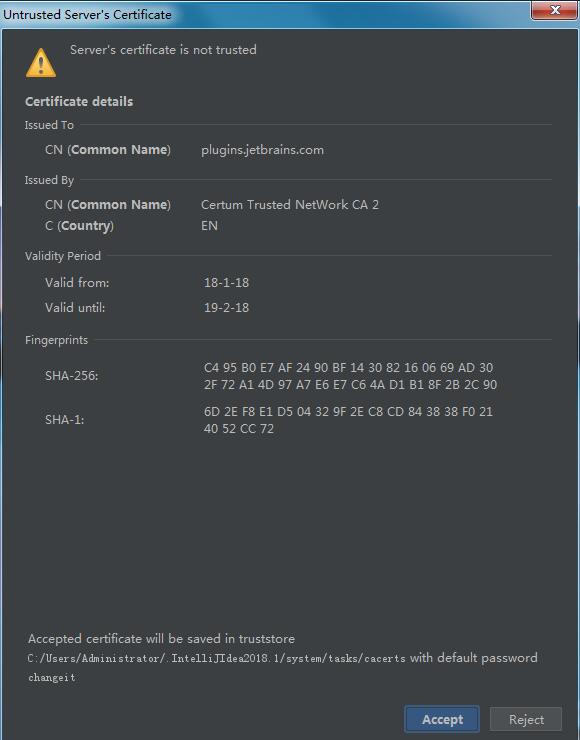
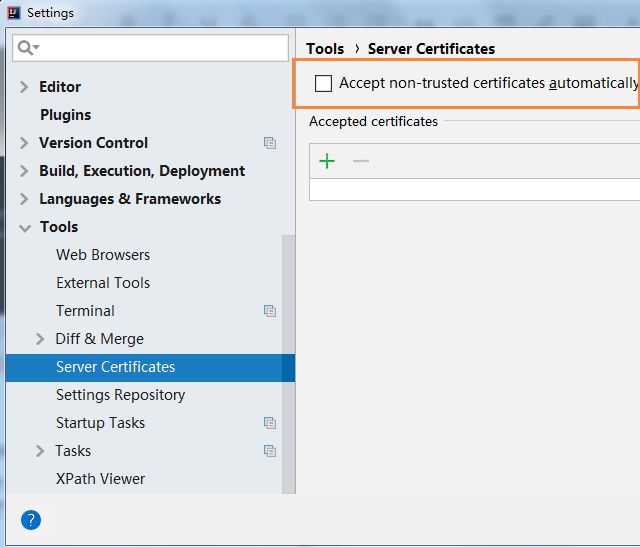
在使用 IDEA 时,如果遇到如下截图的错误解决方法:点击 File > Settings > Tools > Server Certificates > Accept non-trusted certificates automatically勾选上就好了。原文链接 博客园